Home/Offline Map Maker/Customized Bing maps
Any tiles you are allowed to use can be downloaded once you can describe the URL of one tile, or the style you want. The screenshots below show every step.
Firstly, we select Maps type "Custom Map Styles of Bing Maps " , then the button "Custom Parameters" will be enabled. See the screen shot:
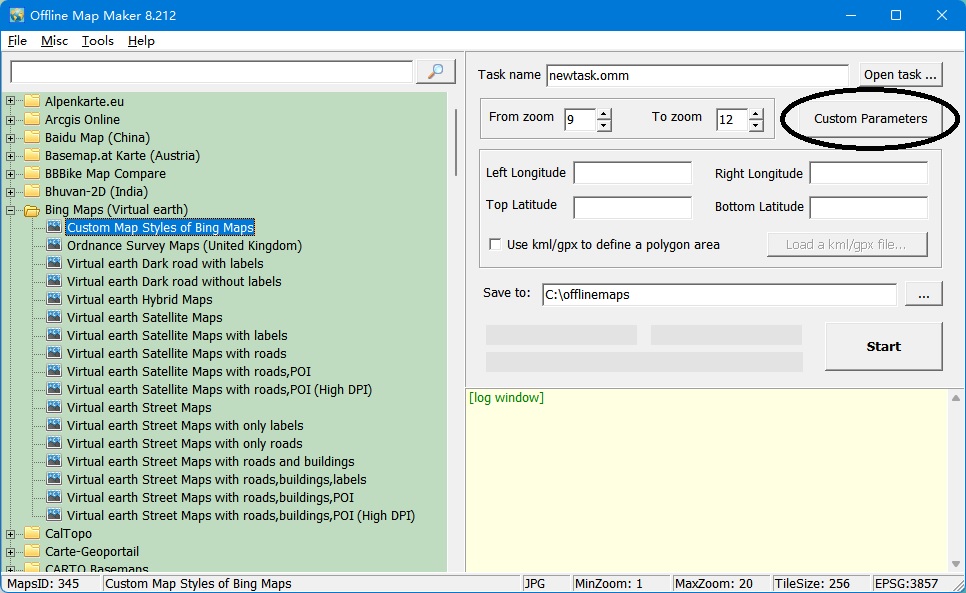
Click the button "Custom Parameters", will show a dialog window:
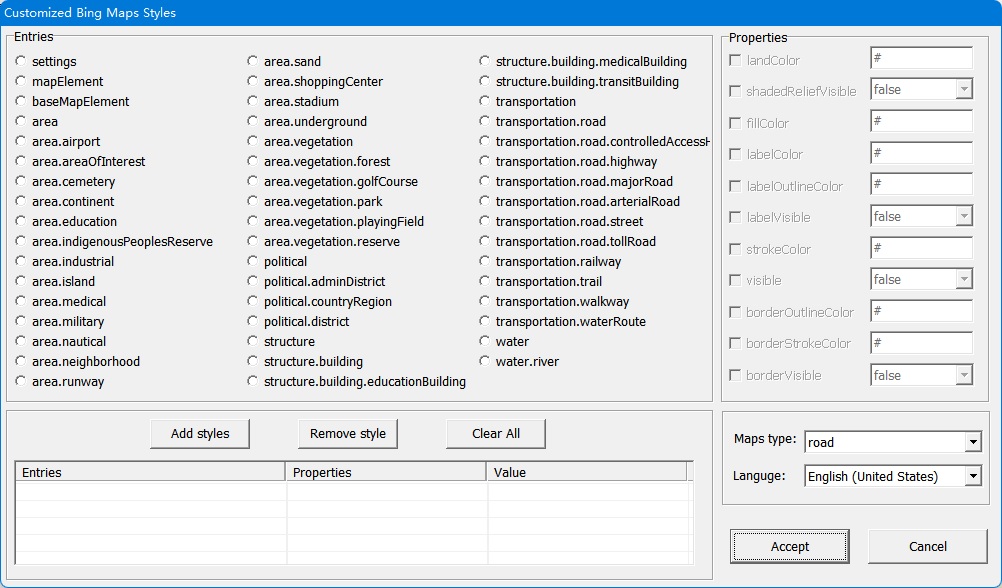
Steps to set these parameters:
Select one Entry, then set Properties values. You need to check the Properties checkbox if you want to set it.
After set Properties values, you need to click button "Add Stylers" to add the values to the list.
Only values that are added into the list will be used when downloading tiles.
We can choose Maps type, there are 4 types: road, road_without_labels, hybrid, hybrid_without_labels.
Lastly, choose one language.
OK, all settings are finished, click button "Accept", then back to downloader window, start to download!
Example: road (red roads, blue water)
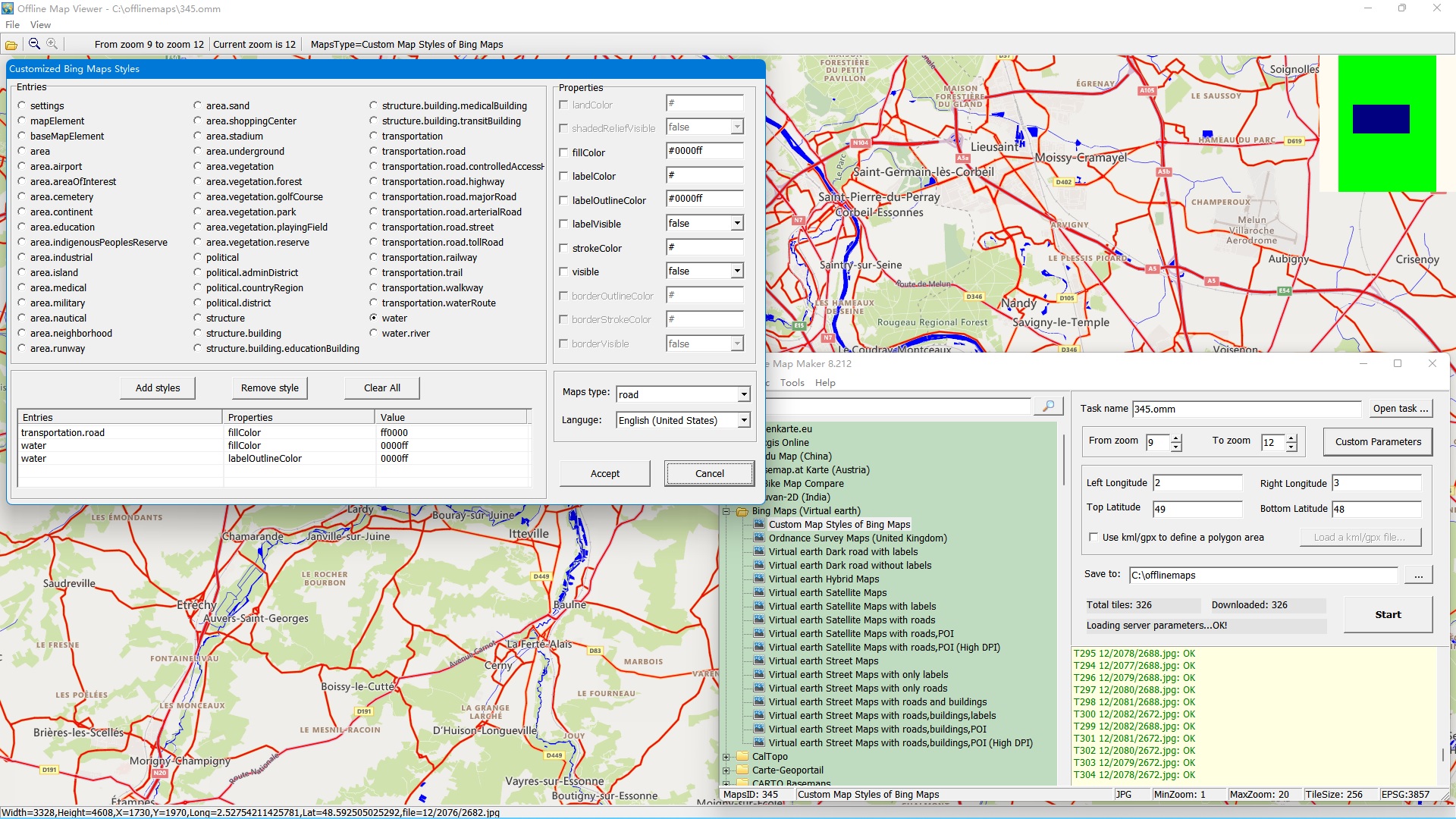
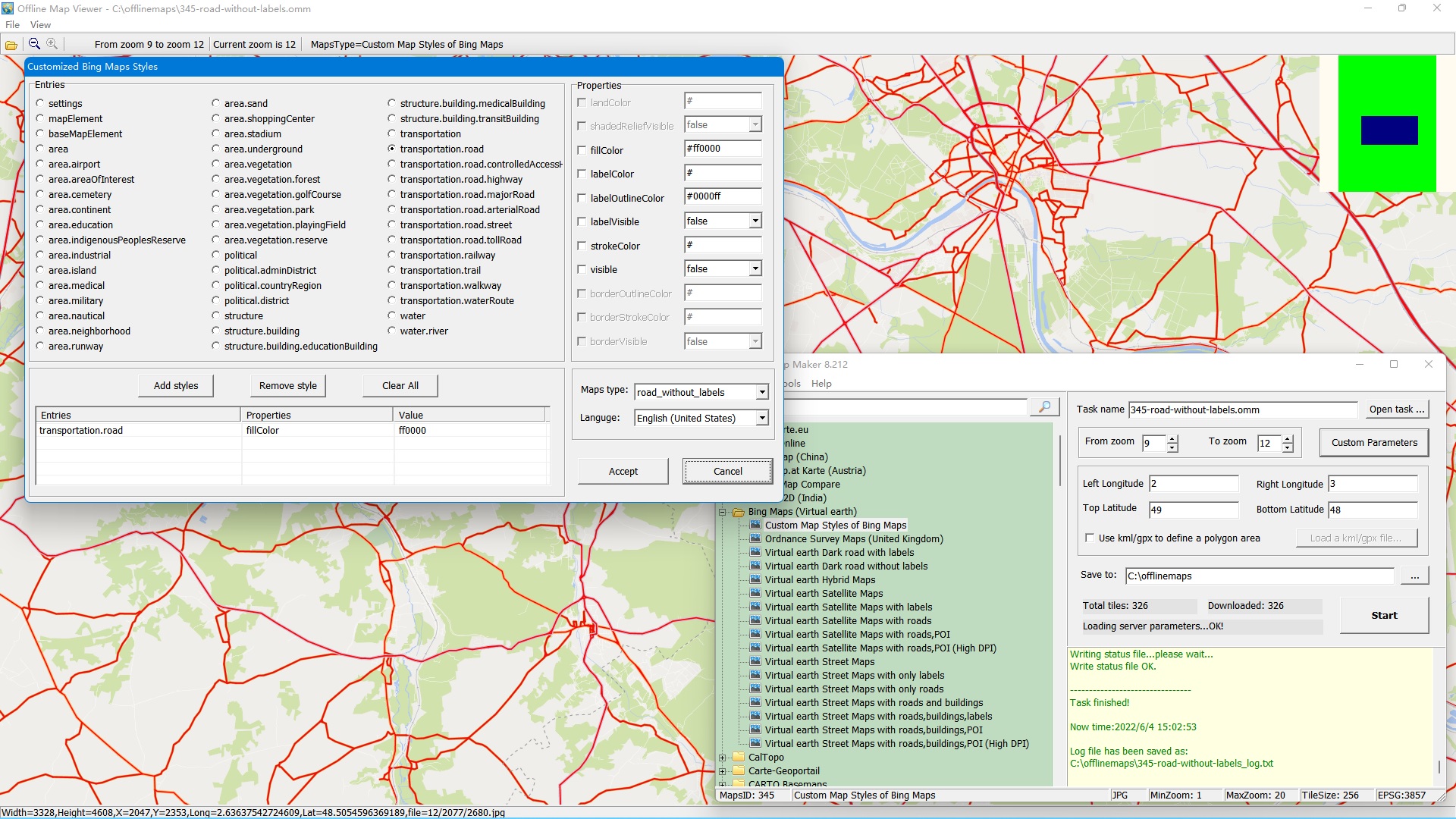
Example: road without labels (red roads)
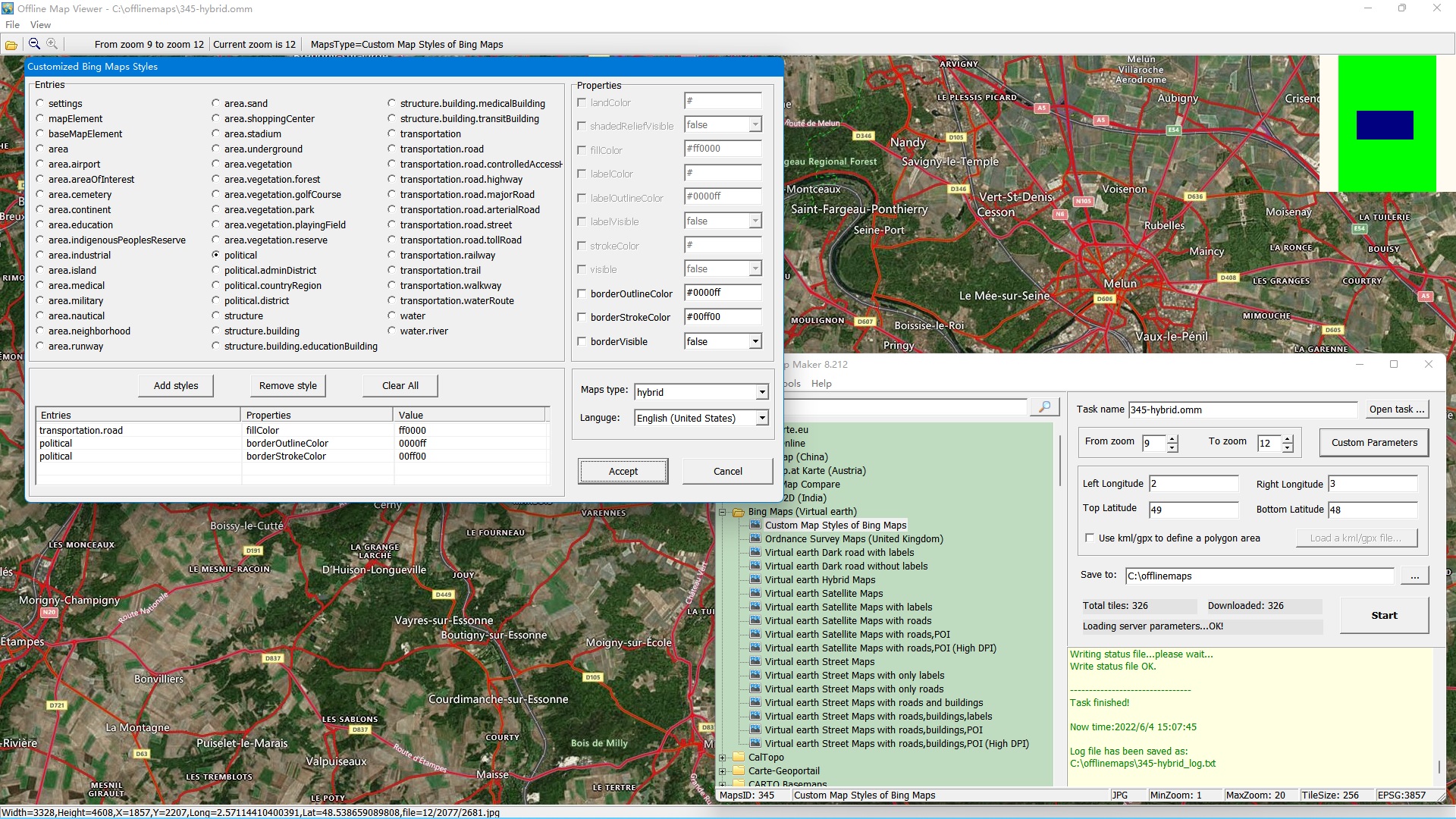
Example: hybrid (red roads, blue border outline color political)
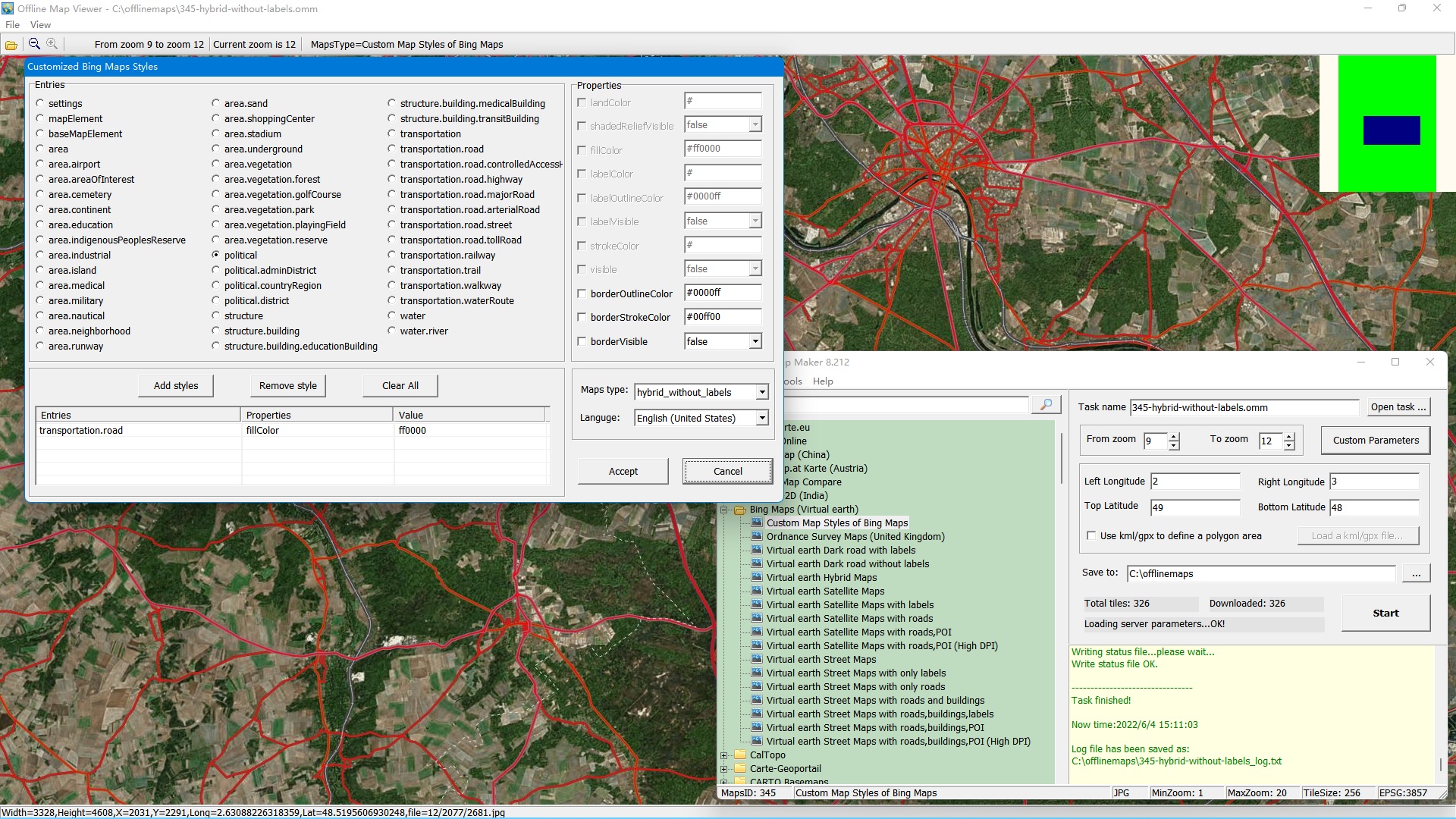
Example: hybrid without labels (red roads)