AllMapSoft tools grab tile images from 4000+ online map types, stitch them into one big offline map, and export it as JPG, TIF, KMZ, MBTiles and more — ready for QGIS, Global Mapper, or your mobile apps.
Windows 7 / 8 / 10 / 11 · Free trial for every tool · Lifetime license with free upgrades
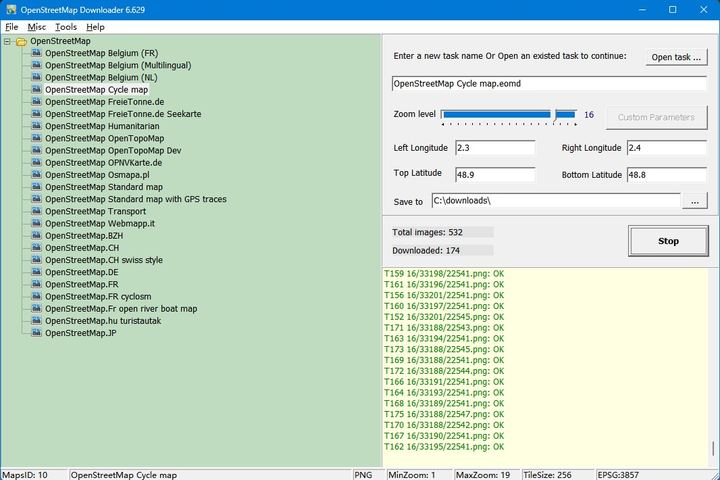
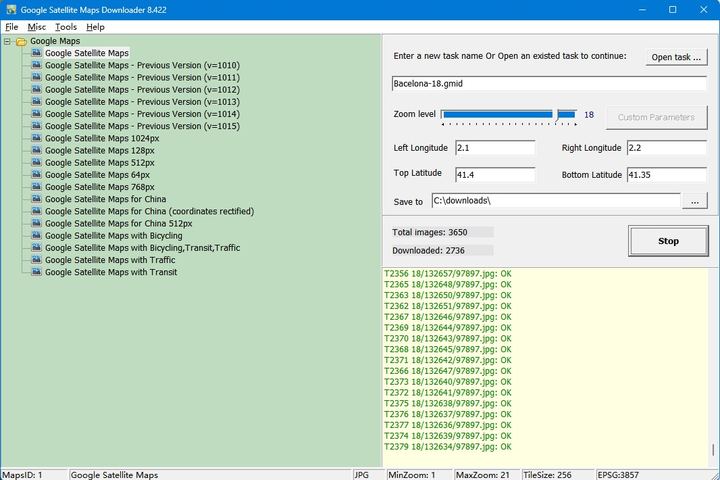
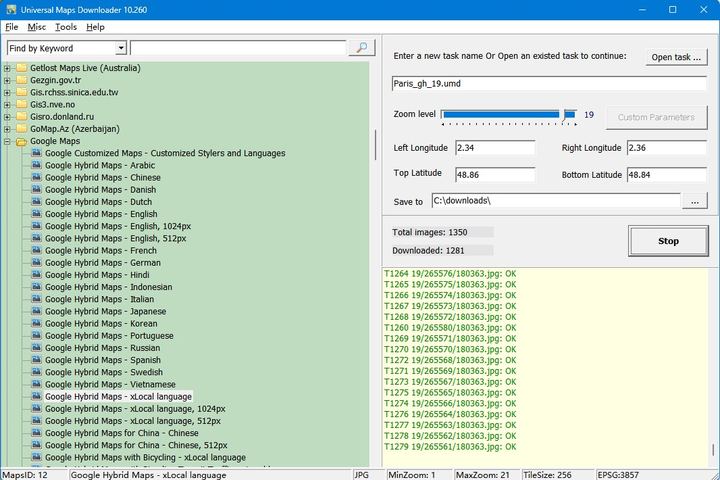
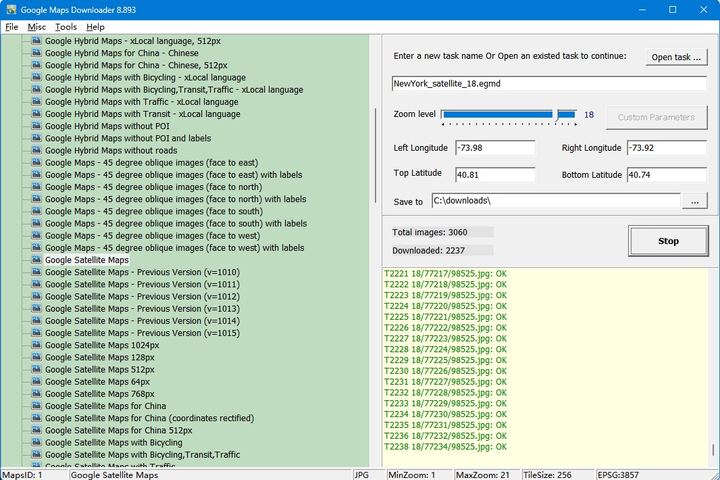
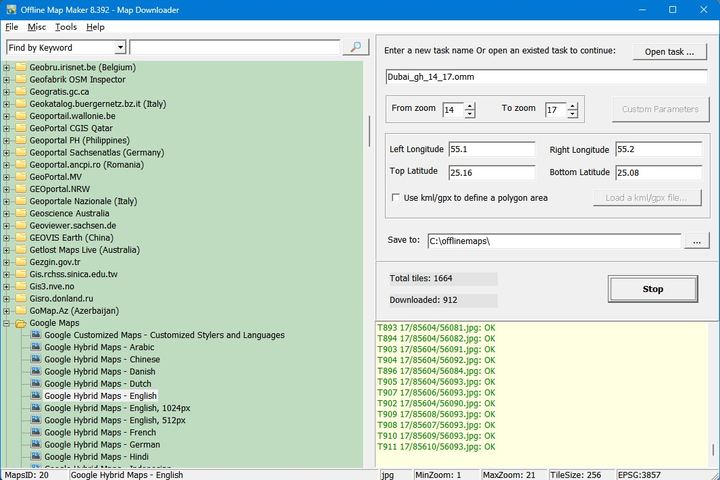
Every tool has a free trial — download it, try it, and buy the license only when it works for you.
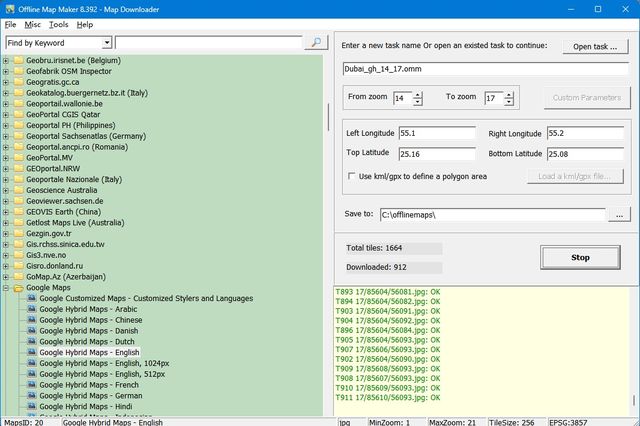
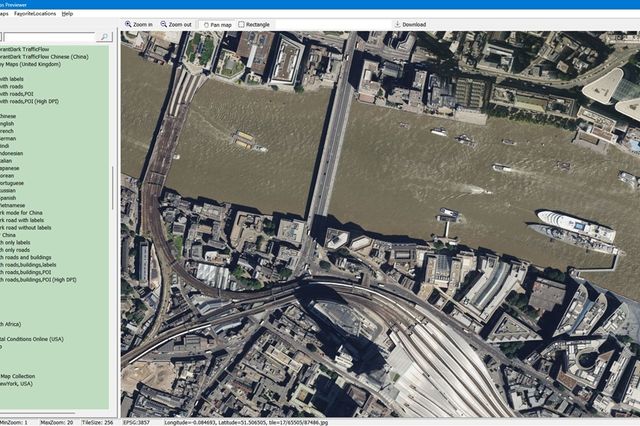
The flagship tool: view online maps in one integrated window and get offline map images from 4000+ map types. Multi-zoom download, KML/GPX input, HTML output for Leaflet and OpenLayers, and export to TIF, JPG, PNG, KMZ, MBTiles, GPKG, PDF and more.
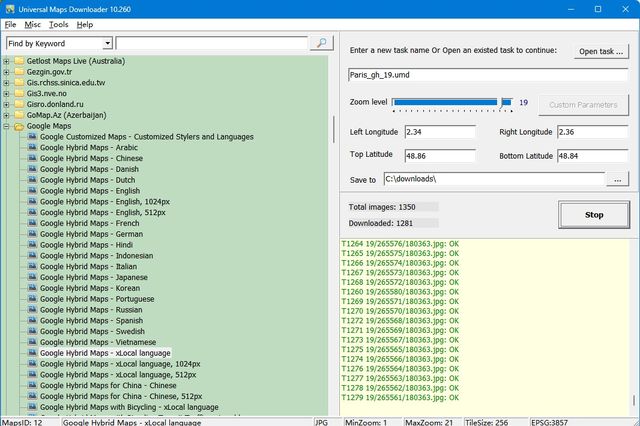
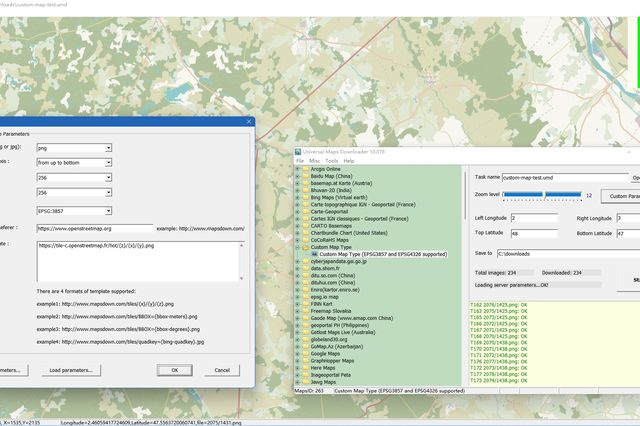
Like Offline Map Maker, but focused: download single zoom level tile images from the same 4000+ map types. Lighter and simpler — no KML/GPX, no Maps Previewer.
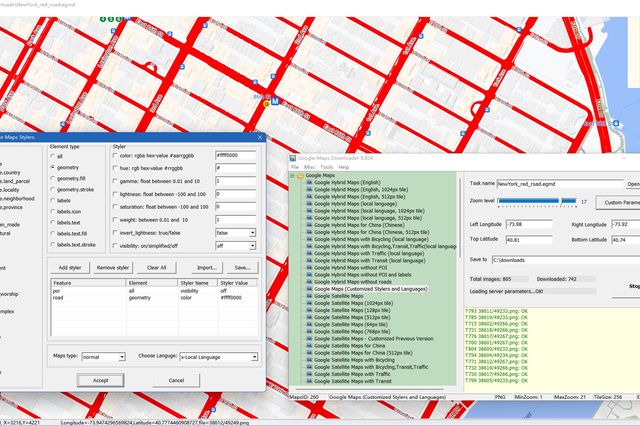
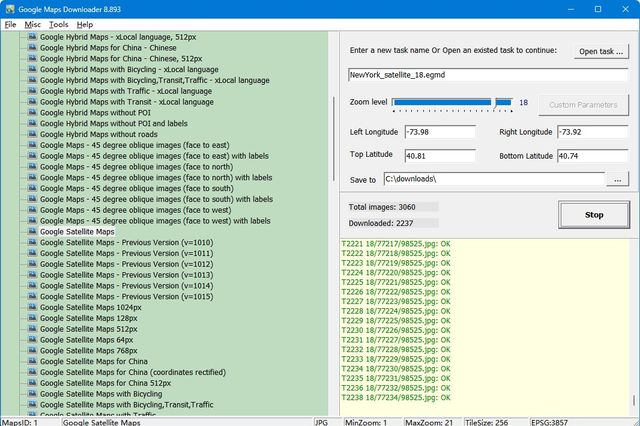
Automatically download Google Maps tiles — normal, satellite, hybrid, terrain and customized stylers maps — then view them offline with the built-in Maps Viewer, or combine them into one big map image or MBTiles database.
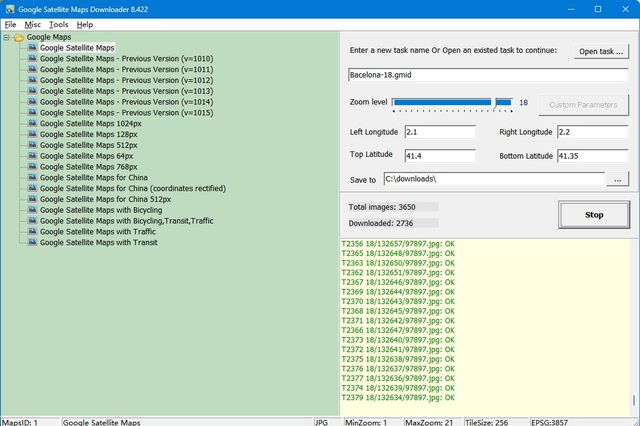
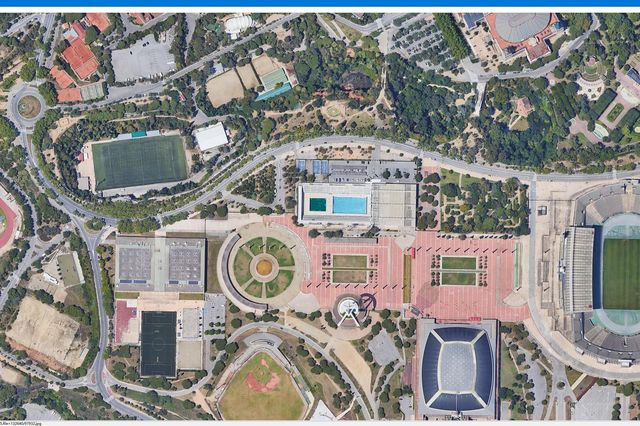
Download Google satellite imagery tiles. View them with the built-in Map Viewer, or merge into BMP, JPG, TIF, PNG, KMZ, PDF, MBTiles, GPKG and more — ready for Global Mapper, QGIS, RMaps, Locus Map and OruxMaps.
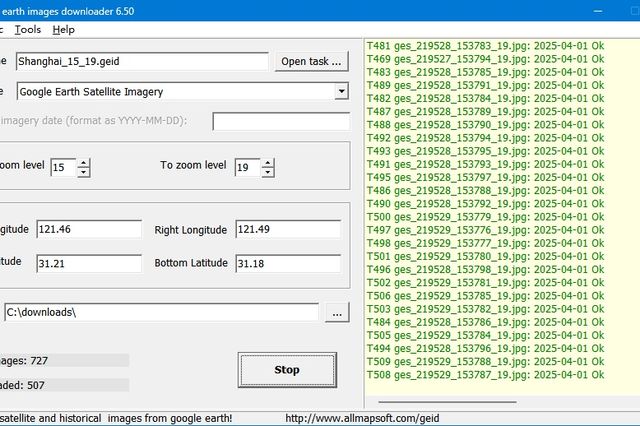
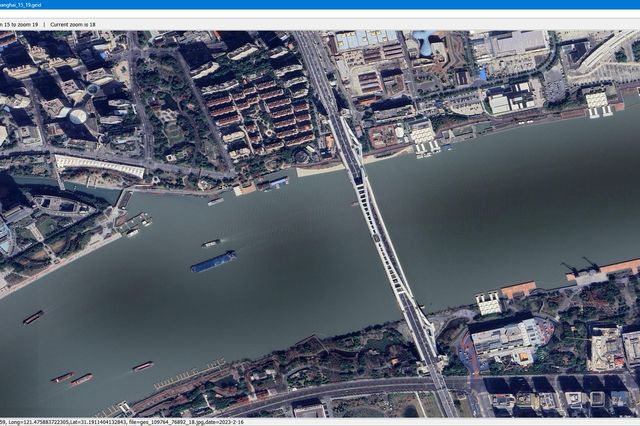
Get offline satellite tile images from Google Earth (not Google Maps), including historical imagery — and it works without Google Earth installed.
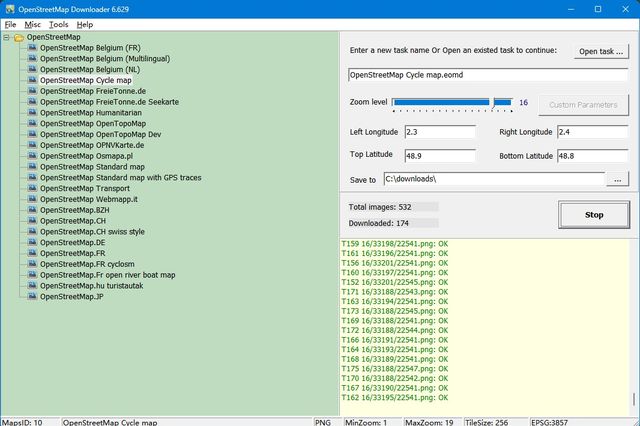
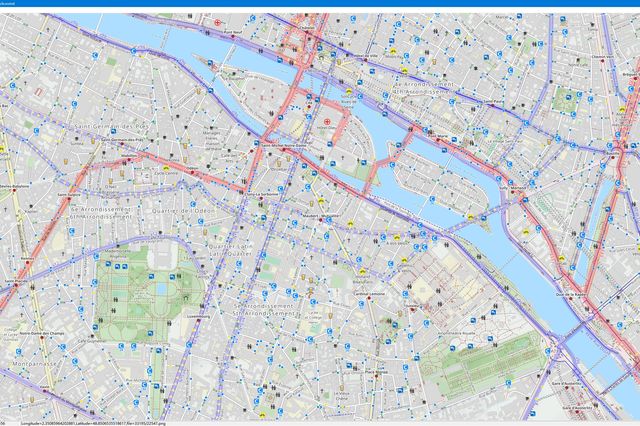
Automatically download OpenStreetMap images to your PC, including the normal, transport and cycle layers, plus OpenSeaMap, OpenSnowMap and more.
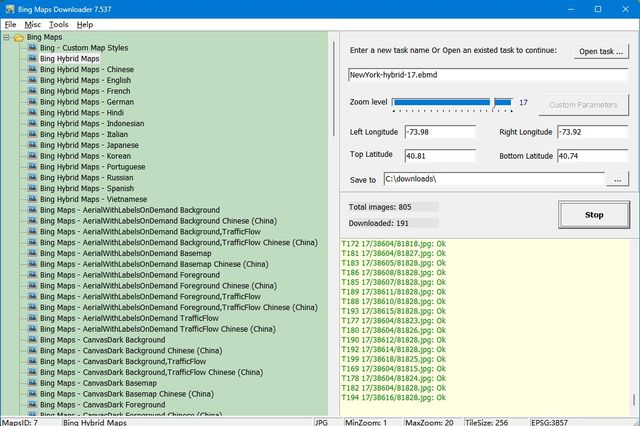
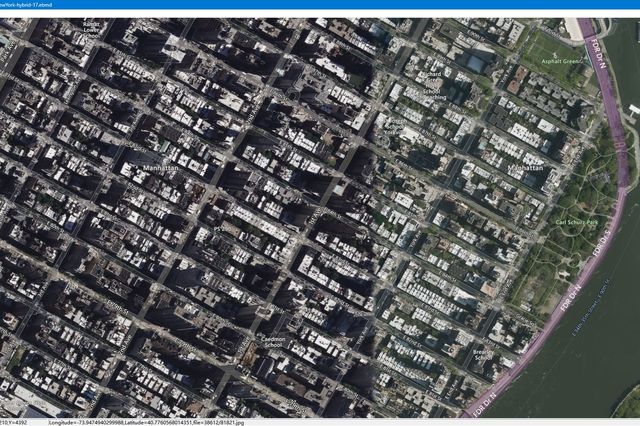
Automatically download Bing Maps images to your PC, including the normal maps, satellite maps and hybrid maps.
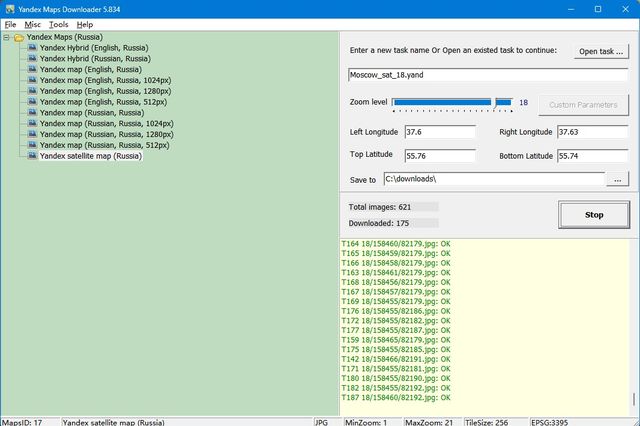
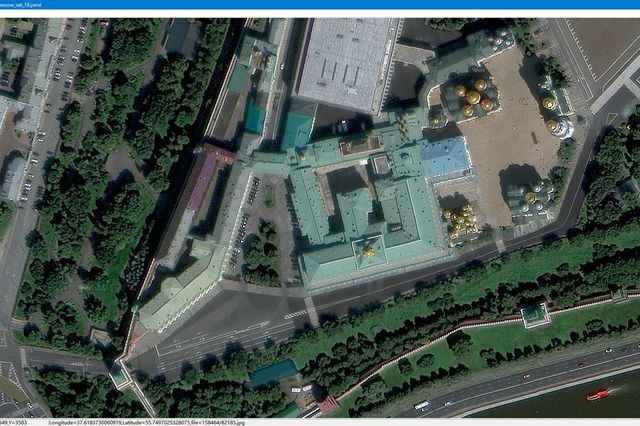
Automatically download Yandex Maps images to your PC, including the normal maps, satellite maps and hybrid maps.
Not sure which one you need? Compare them side by side in the features matrix, or see what a real download looks like on the map samples page.
We also publish a few more tools that are not listed above — see other products list.
Trusted offline-map tools for GIS professionals, developers and travelers since 2013.
Google, OpenStreetMap, Yandex, Bing, Baidu, Gaode, Tencent, Tianditu, ArcGIS Online and hundreds more. Browse the full list →
Combine thousands of downloaded tiles into a single large image — JPG, TIF, PNG, KMZ, PDF, IMG — or an MBTiles / GPKG database for mobile apps and GIS software.
Every tool is shareware: try it free, and buy once when you're ready. The license key is yours for life — all future upgrades are free.
A small sample of the 4000+ map types our tools can download — click to see them all.

Click the image to view the full tile samples page.
All this software is shareware: you can download and try every tool for free. In trial versions you cannot download high resolution images, and the maximum zoom level you can download is 13.
Please buy only from www.allmapsoft.com. We have no distributors or resellers. Our only checkout partners are SendOwl and FastSpring — they process our payments and deliver your license, and are not resellers. Licenses purchased from any other website are not genuine, are not supported, and may be deactivated. We accept no liability for losses caused by unauthorized purchases.
Quick answers before you download.
In trial versions you cannot download high resolution images, and the maximum zoom level you can download is 13. In the Maps Previewer, only part of the tile images is shown when the zoom level is greater than 13. A license key removes these limits forever.
You can view maps offline with the built-in Maps Viewer, combine the small tiles into one big map image (BMP, JPG, TIF, PNG, SGI, IMG, KMZ, RST, PNM, PDF and more), or export an MBTiles / GPKG database. The offline maps work in GIS software such as Global Mapper, QGIS and TatukGIS, and in mobile apps like RMaps, Locus Map, OruxMaps and MapBox.
No. Every product is a one-time purchase, and the license key is for lifetime — all future upgrades are free.
Only from www.allmapsoft.com. We have no distributors or resellers. Our only checkout and delivery partners are SendOwl and FastSpring. Licenses bought from any other website are not genuine and may be deactivated.
Write to support@allmapsoft.com — technical support is free for everyone.
Download a free trial today — your first offline map is one click away.
Browse the Tools